
Next.js Server Components are the default rendering model in the App Router - and the reason many React apps got faster and more SEO-friendly without a rewrite of every screen.
If you search for React Server Components (RSC) or "when to use 'use client'," you are really asking where HTML, data fetching, and JavaScript should live. Get the boundary right and you win crawlable HTML, smaller bundles, and simpler secrets handling. Get it wrong and you hydrate half the page for one button.
This is the mental model we use when building Next.js product and marketing UIs (including myrafy.com).
What Are Next.js Server Components?
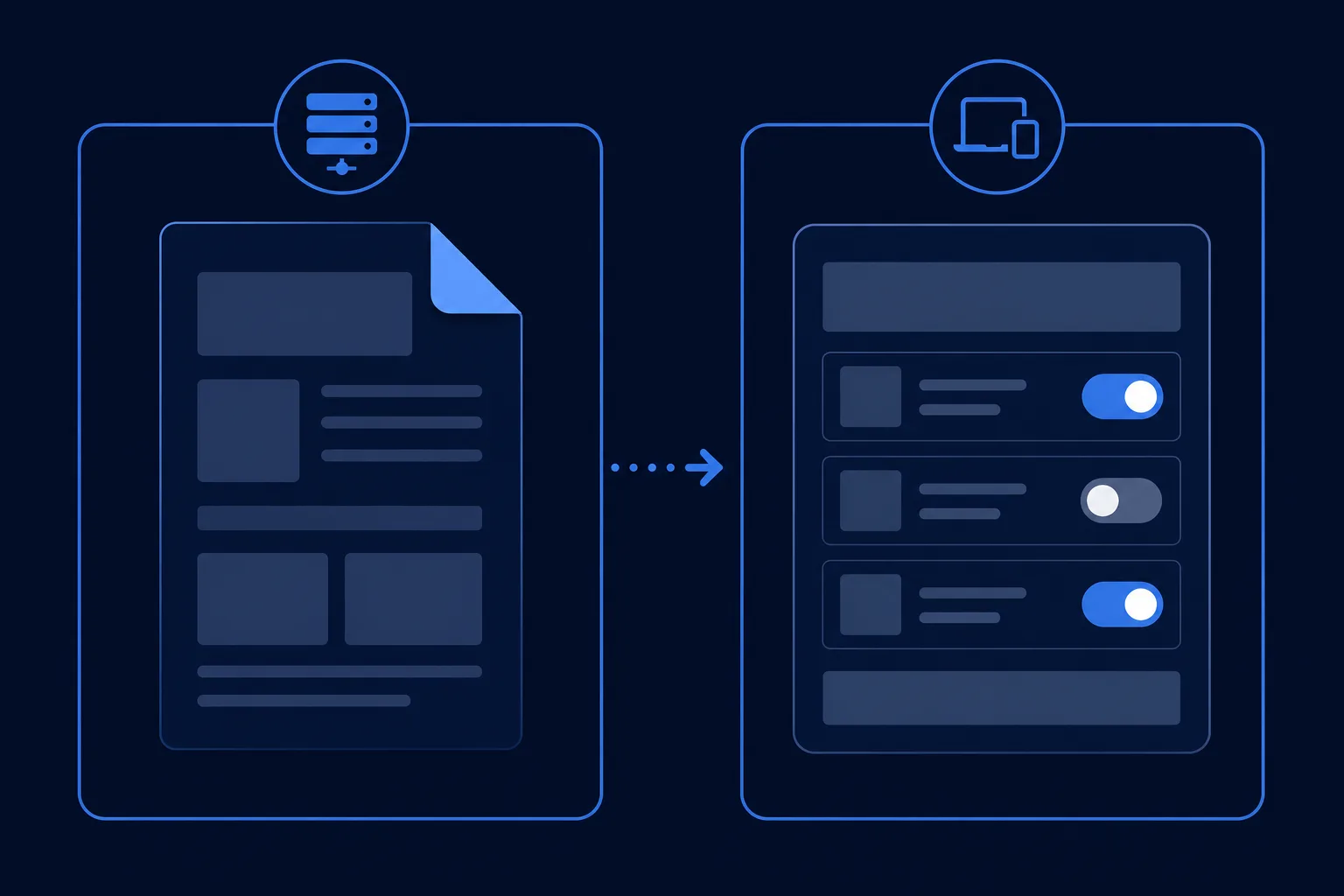
A Server Component:
- Renders on the server (or at build time for static routes)
- Can
awaitdatabases, CMS, and secrets without exposing them to the browser - Does not ship its component code to the client bundle
- Cannot use
useState,useEffect, or browser-only APIs
A Client Component ('use client'):
- Hydrates in the browser
- Handles interactivity: forms, motion, charts, local state
- Should stay small and leaf-level when possible
Default in the Next.js App Router: server. Opt into client only when you need interactivity.
Next.js Server Components and SEO
Crawlers and social scrapers see the first HTML response. Primary headings, body copy, and JSON-LD should live in Server Components so they appear without waiting on hydration.
Practical rules we follow on Myrafy pages:
- Titles and canonicals via
metadata/generateMetadata(server) - Article and FAQ schema as
<script type="application/ld+json">in server pages - Interactive tools (search, motion) as client islands under static chrome
For App Router SEO checklists, the same theme repeats: keep indexable content server-owned (see field guides like Next.js App Router SEO). Pair that with Core Web Vitals discipline (next/image, reserved layout space).
Server vs Client Composition Pattern
app/dashboard/page.js ← Server Component (fetch + layout)
 └── components/Filters.js ← Client Component (stateful UI)
 └── ResultTable.js ← can be server child passed as children/props
Pass Server Component output as children into client wrappers. Do not import a server-only module into a client file.
Anti-pattern: marking a whole page 'use client' so one button can toggle. You just bought a larger JS payload and weaker HTML for crawlers.
Data Fetching Without useEffect Soup
In Server Components:
export default async function Page() {
 const posts = await getAllPosts(); // Node, direct DB, private token OK
 return <PostList posts={posts} />;
}
Benefits:
- No waterfall of client
useEffectfetches for first paint - Auth tokens stay on the server
- Static generation (
generateStaticParams) still works for blogs and docs
When the UI must refresh after a mutation, use Server Actions or route handlers - not "fetch everything on the client because it feels familiar."
Performance Checklist

- Server by default -
'use client'only at interactive leaves - Stream wisely -
loading.js/ Suspense for slow subtrees - Images -
next/imagefor LCP candidates; set dimensions - Fonts -
next/fontto avoid layout shift - Third-party scripts -
next/scriptwith the right strategy - Measure - Lighthouse is a start; watch LCP/INP on real routes
Server Components shrink JS; they do not replace caching strategy or a bloated CMS payload.
When Client Components Are the Right Call
Use client components for:
- Rich editors, canvases, maps
- Framer Motion / gesture-heavy UI
- Browser APIs (
localStorage,window, Web Crypto in tools) - Design-system primitives that are inherently stateful
Our developer tools hub is a good example: the catalog shell can be static SEO content; the search box and favorites are client-side.
Migration Notes from Pages Router
getServerSideProps→ async Server Component orfetchwith cache options- Global CSS still fine; prefer CSS Modules as we do on Myrafy
_appproviders that need state → small client providers wrapping server layouts- API routes remain; Server Actions are optional sugar for mutations
Do not rewrite a stable Pages app "for RSC purity." Migrate route-by-route when you need App Router features (nested layouts, streaming, modern metadata).
FAQ: Next.js Server Components
Should every file be a Server Component?
Almost - until a leaf needs state, effects, or browser APIs. Then add 'use client' only there.
Do Server Components replace API routes? No. They can fetch on the server directly; API routes and Server Actions still help for mutations and public HTTP APIs.
Are Server Components good for SEO?
Yes, when your indexable copy stays in server-rendered HTML. Avoid wrapping entire pages in 'use client'.
The Bottom Line
Next.js Server Components put HTML and data on the server; Client Components put interaction in the browser. The App Router's default is the former - lean into it for SEO and performance, and carve out client islands for the parts humans click.
If you are hiring for this stack, look for people who can explain that boundary clearly - not just "I use Next.js." For commercial staffing on React/Next, see How to Staff React / Next.js Work on a Company Contract; for AI features on the same stack, pair with RAG architecture.
Need a Next.js App Router build or a performance pass on an existing React app? See Myrafy services or request an estimate.