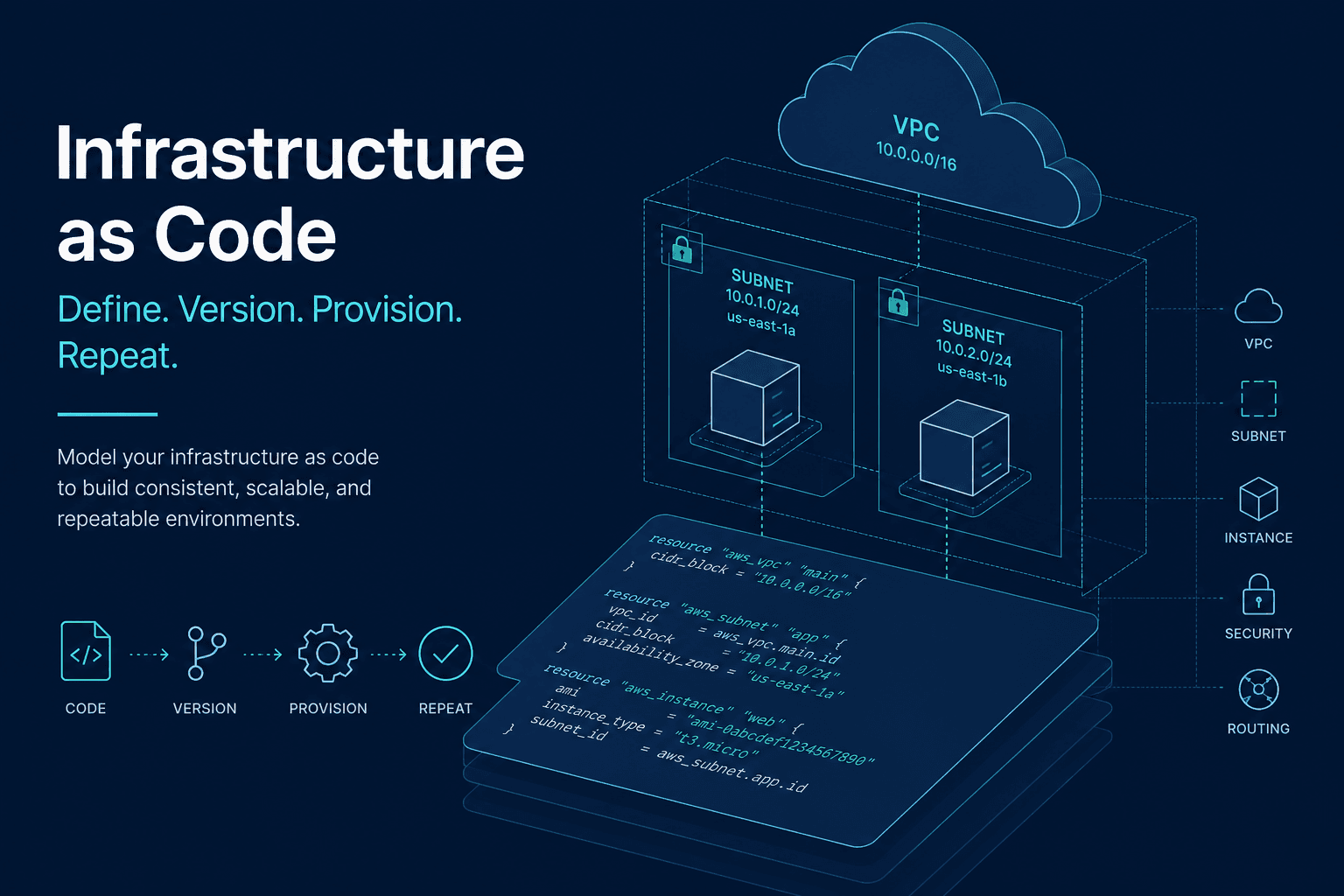
This Terraform AWS tutorial for beginners is about shipping repeatable infrastructure, not collecting every resource type in the registry.
Terraform (and OpenTofu, the open fork many teams use similarly) describes cloud resources in HCL, shows a plan (diff), then applies it. Used well, it pairs with a GitHub Actions CI/CD pipeline and a boring AWS baseline. Used poorly, it becomes a second job titled "state file archaeology."
Core Loop: Write → Plan → Apply
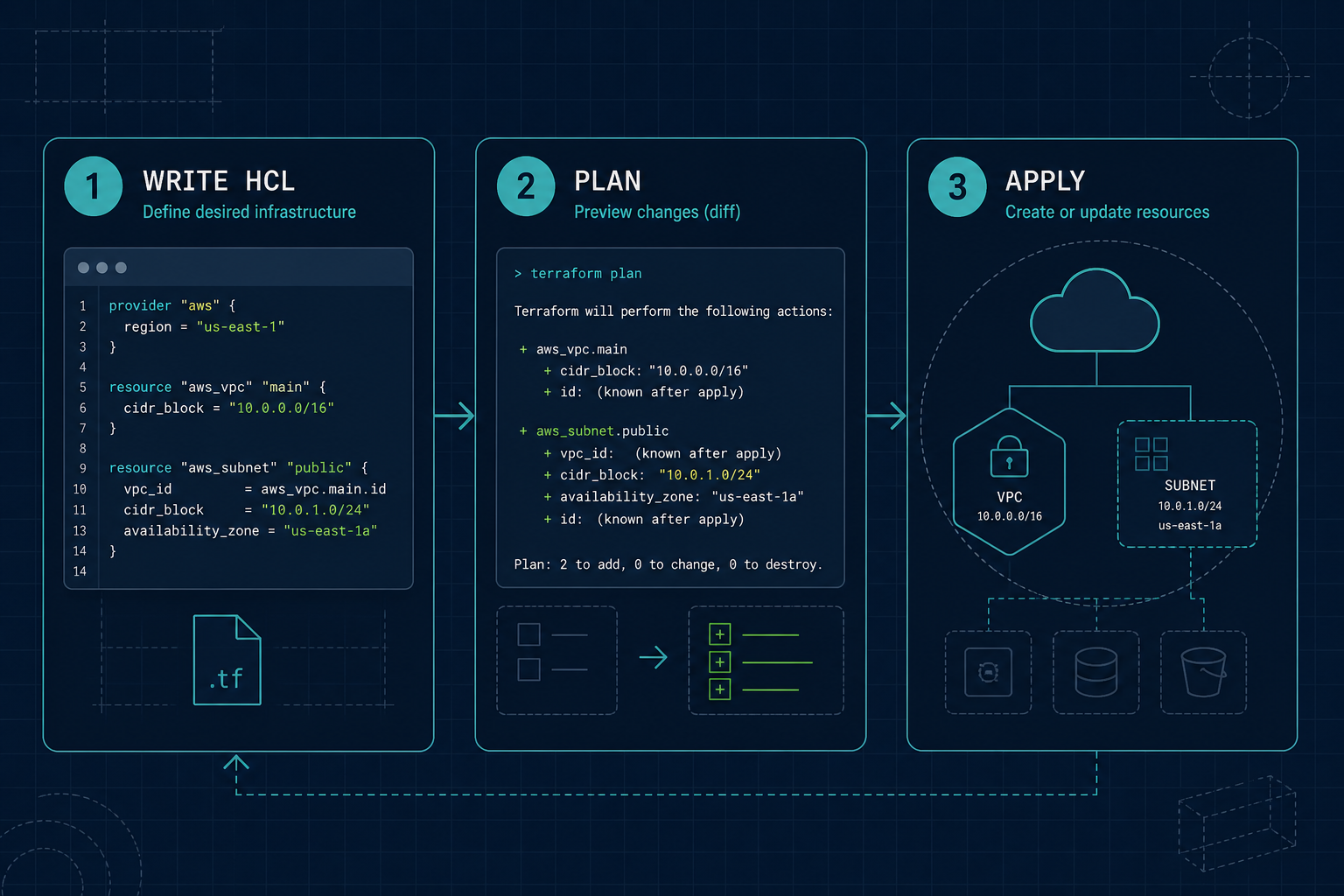
- Write
.tffiles: providers, variables, resources, outputs terraform init- download providers/modulesterraform plan- preview creates/updates/destroysterraform apply- execute the approved plan
Never apply blindly in production. Treat the plan like a PR diff for your cloud bill and blast radius.
Minimal Project Layout
infra/
 versions.tf # terraform + provider versions
 providers.tf # AWS provider + default tags
 variables.tf
 main.tf # resources
 outputs.tf
 backend.tf # remote state (S3 + DynamoDB lock) - add early
Pin provider versions. Tag every resource with Project, Env, and ManagedBy=terraform.
Example provider sketch:
terraform {
 required_version = ">= 1.6.0"
 required_providers {
 aws = {
 source = "hashicorp/aws"
 version = "~> 5.0"
 }
 }
}

provider "aws" {
 region = var.aws_region
 default_tags {
 tags = {
 Project = var.project
 Env = var.environment
 ManagedBy = "terraform"
 }
 }
}
A Beginner-Friendly Starter Shape
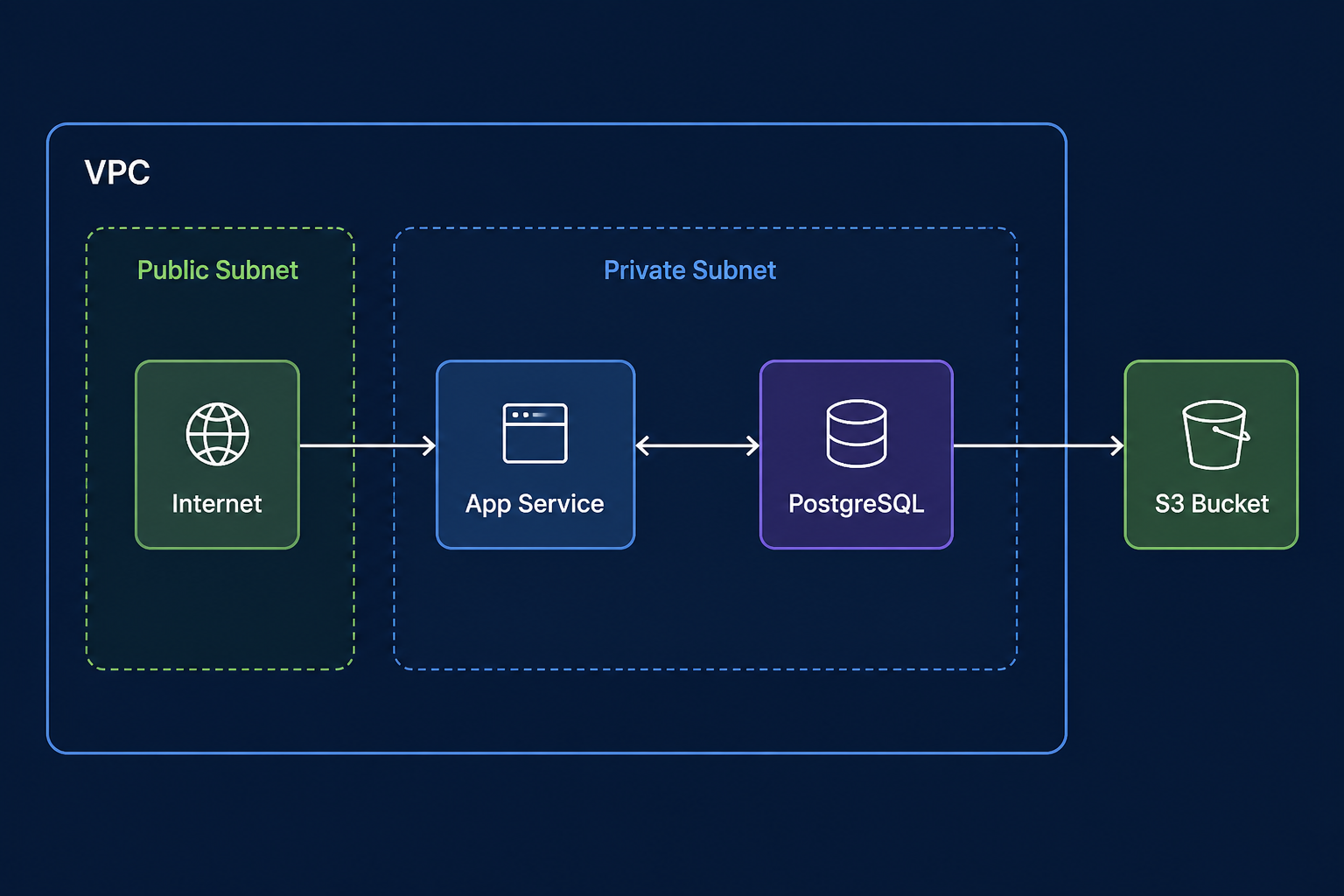
For a first real environment, aim for:
- Remote state in S3 with locking (do this before the team grows)
- One environment (e.g.
staging) in one region - Network boundary you understand (even if you start with a simple VPC module)
- One compute path (ECS/App Runner/EC2 - pick one)
- Managed database + backups
- Secrets not hardcoded in
.tf(SSM/Secrets Manager + IAM)
Do not Terraform your entire company on weekend one. Codify what you already decided in the AWS DevOps for startups checklist.
For quick IAM/resource snippets while learning, Myrafy's Cloud Snippets tool is a sketchpad - still review and adapt before apply.
State: Where Beginners Get Hurt
- Local state is fine for a solo laptop experiment. For anything shared, use remote state + lock.
- Never commit
terraform.tfstatewith secrets to git. - Workspaces are not a substitute for separate accounts/environments if blast radius matters.
- Refactors that rename resources can destroy/recreate - read the plan.
Plan Hygiene and Safety
- Use
-targetsparingly (it hides drift elsewhere) - Prefer small PRs: network change ≠ app change ≠ IAM change when possible
- Run
planin CI on every infra PR; require human approval forapplyto prod - Keep destroy protection on databases and state buckets
Common Beginner Mistakes
- Hardcoding access keys in provider blocks (use SSO / OIDC / instance roles)
- One mega-root module nobody understands
- Copy-pasting modules without reading inputs/outputs
- Ignoring drift (manual console clicks fighting Terraform)
- Applying from a laptop with stale state while CI also applies
Production Checklist
- Remote state + locking
- Pinned provider versions
- Default tags on all resources
- Separate AWS accounts or at least separate state per environment
- CI plan on PRs; gated apply
- No secrets in git or plain
.tf - Document how to roll forward / recover state
FAQ: Terraform on AWS
Terraform or AWS CDK / CloudFormation? Terraform/OpenTofu is popular for multi-cloud and a large module ecosystem. CDK fits teams deep in TypeScript/Python who want AWS-native constructs. Pick one primary IaC tool per product.
Should beginners write everything from scratch? Use a small official or well-known module for VPC if you need it - but read it. Blind module soup is how you inherit someone else's outage.
Is OpenTofu OK instead of Terraform? For many teams, yes - workflow knowledge transfers. Confirm provider/module compatibility for your versions.
The Bottom Line
A Terraform AWS setup for beginners succeeds when it is small, planned, and state-safe. Write modest stacks, read every plan, remote-state early, and wire applies through CI the same way you ship application code.
Want infrastructure-as-code that matches how your product actually deploys? Explore Myrafy DevOps and cloud services or request an estimate.