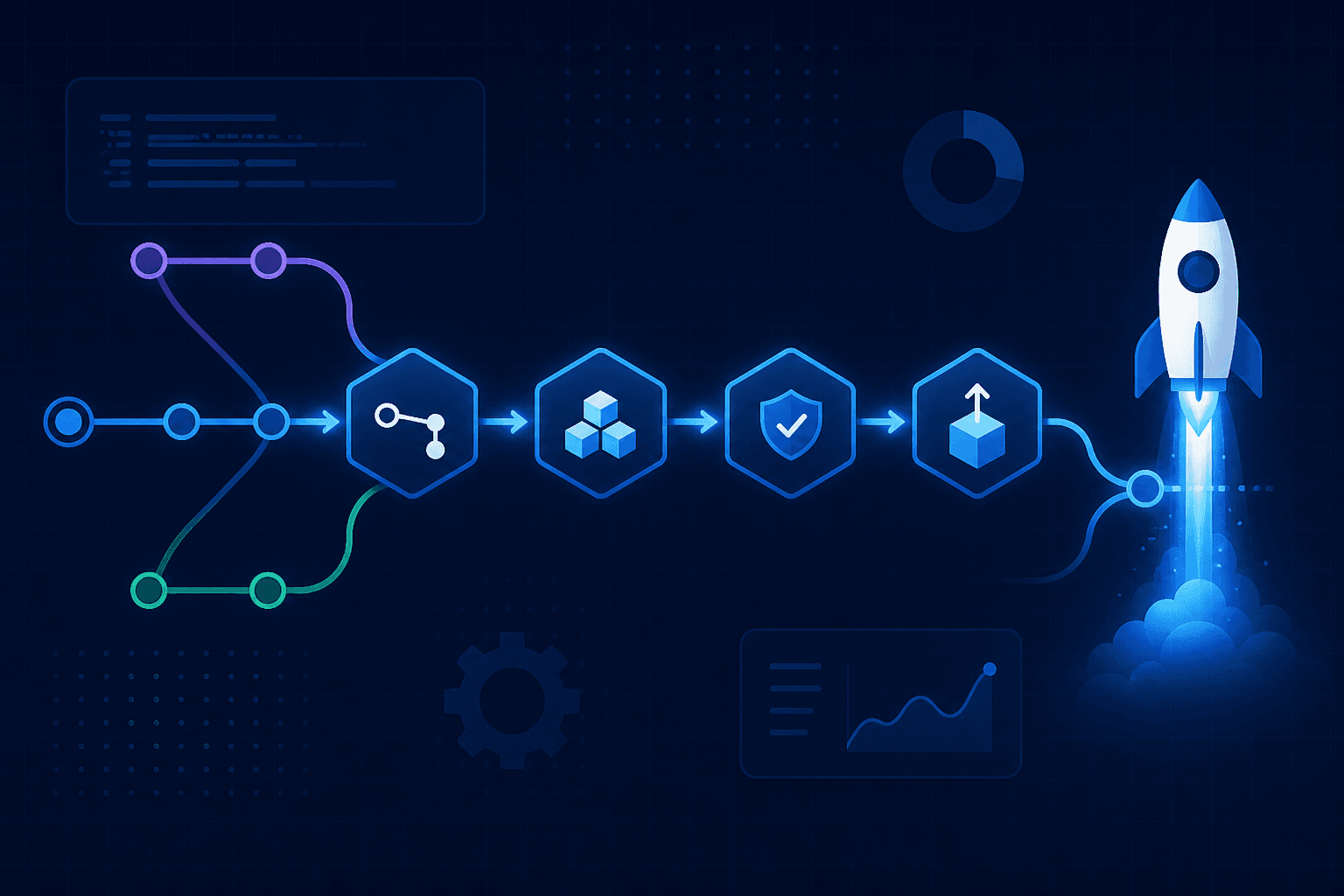
A GitHub Actions CI/CD pipeline is how most teams turn "merged to main" into "running in production" without SSH and hope.
CI (continuous integration) runs checks on every pull request. CD (continuous delivery/deployment) ships a known artifact to staging or production. GitHub Actions is enough for most startups: workflows live next to the code, runners are managed, and you can grow into self-hosted runners later.
This guide is the practical path we use when shipping apps on top of a boring AWS DevOps baseline - and when containers already matter from your Docker vs Kubernetes choice.
What a Good Pipeline Actually Does
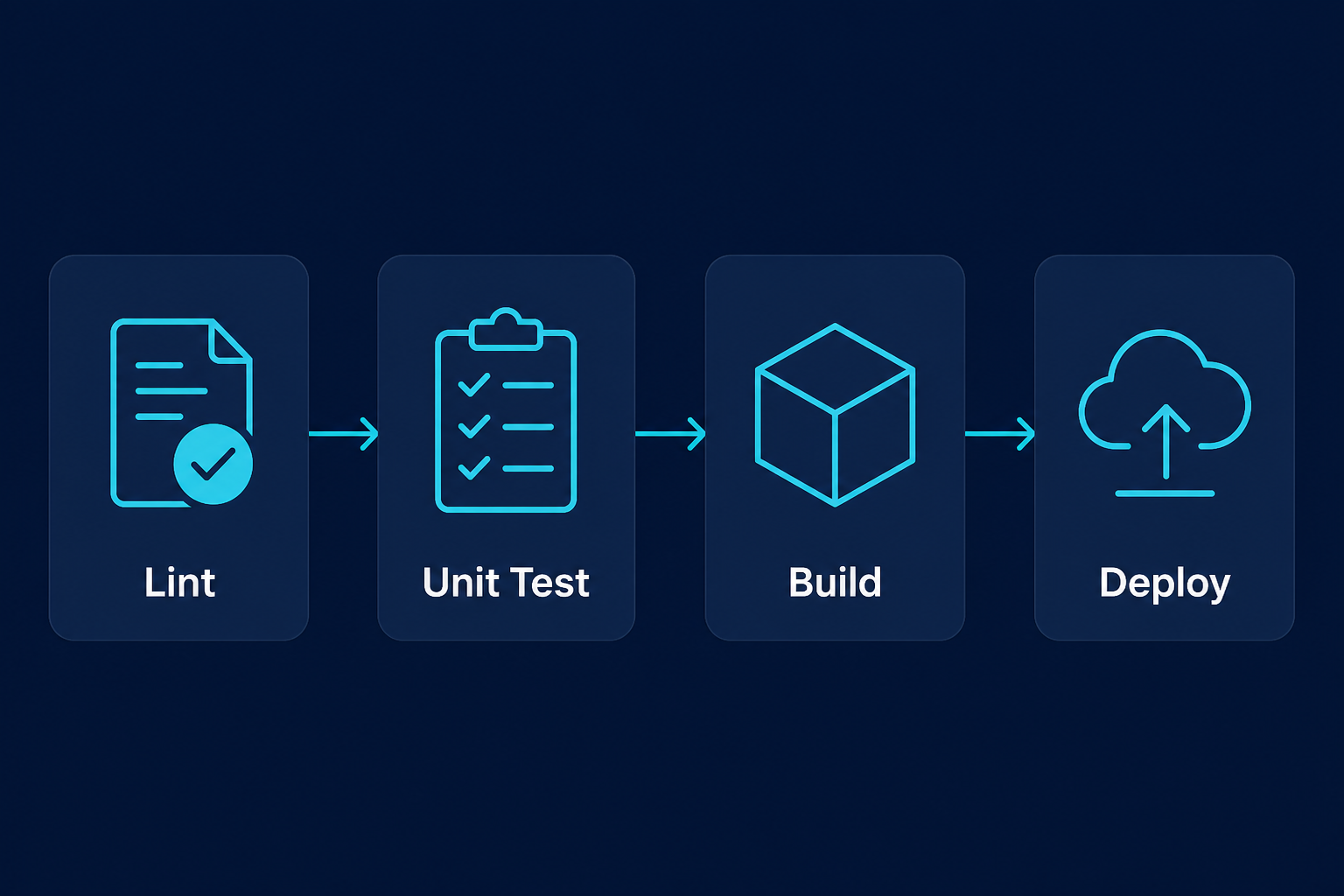
Minimum viable pipeline:
- Lint / typecheck - fail fast on style and type errors
- Unit / integration tests - with a real or ephemeral DB when needed
- Build - produce an artifact (Docker image, Next.js build, binary)
- Deploy - only from protected branches / environments
Everything else (security scans, preview environments, canaries) is additive. Do not start with twelve jobs and zero tests.
Workflow Skeleton (Node / Next.js)
Create .github/workflows/ci.yml:
name: CI

on:
 pull_request:
 push:
 branches: [main]

jobs:
 build-test:
 runs-on: ubuntu-latest
 steps:
 - uses: actions/checkout@v4
 - uses: actions/setup-node@v4
 with:
 node-version: '22'
 cache: npm
 - run: npm ci
 - run: npm run lint
 - run: npm test --if-present
 - run: npm run build
Pin action majors (@v4), cache dependencies, and prefer npm ci over npm install in CI for lockfile fidelity.
For Docker-based deploys, add a job that builds and pushes to GHCR or ECR, then a deploy job that pulls that digest - never "build on the server from latest main" without a tag.
Secrets, Environments, and OIDC
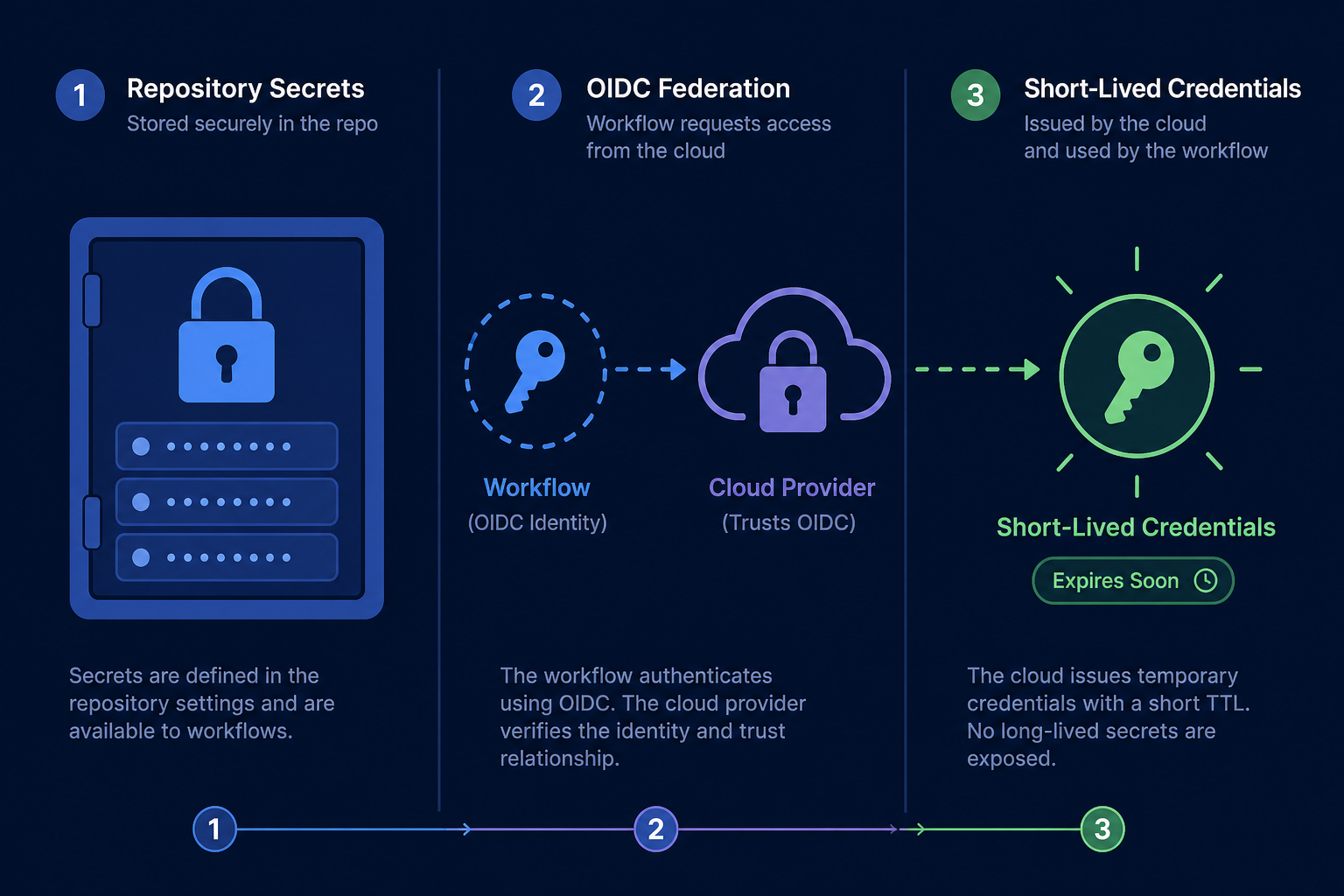
Do
- Store secrets in GitHub Environments (
staging,production) with required reviewers for prod - Prefer OIDC to AWS/GCP/Azure so workflows get short-lived roles - no permanent access keys in the repo
- Scope cloud IAM to least privilege (push image, update one service)
Don't
- Echo secrets in logs
- Use the same deploy credentials for forks' PRs (they can steal them)
- Put production
.envfiles in the repository
For local secret and header sketches while debugging APIs, tools like Myrafy's HMAC Generator or JWT Builder help - keep real production secrets in your vault and Actions Environments only.
Branch Protection That Makes CI Mean Something
A green check is useless if anyone can merge red:
- Require the CI status check before merge
- Require PR reviews on
main - Disallow force-push to protected branches
- Limit who can approve production Environment deploys
CD should deploy immutable artifacts (image digest / release tag), not "whatever is on the runner's working tree tonight."
Common Failure Modes
| Symptom | Likely cause | Fix |
|---|---|---|
| Flaky tests | Shared mutable state / time | Isolate fixtures; retry only network flakes |
| Slow CI | No cache / huge images | Cache deps; multi-stage Docker; path filters |
| "Works locally" | Node/OS drift | Pin versions; use containers in CI |
| Broken prod after green CI | No staging / no smoke test | Deploy staging first; add health-check step |
| Secrets leaked | Logged or PR from fork | Environment protections; OIDC |
Production Checklist
- PR workflow: lint + test + build
- Main/release workflow: build artifact + deploy
- Environments with protection rules for production
- OIDC or tightly scoped deploy credentials
- Branch protection requiring CI
- Rollback path (previous image tag / previous release)
- Notifications on failure (Slack/email) without dumping secrets
FAQ: GitHub Actions CI/CD
Is GitHub Actions enough vs Jenkins / CircleCI? For most product teams under a few hundred builds/day, yes. Move off when you need exotic runners, complex on-prem networks, or cost control at massive scale.
Should every push deploy to production?
Usually no. Deploy staging on main; production on tags or manual Environment approval.
Do I need Kubernetes to use Actions? No. Actions deploys happily to Vercel, ECS, Cloud Run, a VM, or static hosting. Orchestration is a separate decision - see Docker vs Kubernetes for startups.
The Bottom Line
A GitHub Actions CI/CD pipeline earns its keep when it is short, enforced, and artifact-based. Lint and test on every PR; build once; deploy known digests through protected environments. Fancy matrix builds can wait until the boring path is green every day.
Need a CI/CD and cloud baseline wired for your product - not a wallpaper of YAML? Explore Myrafy engineering services or get a free estimate.